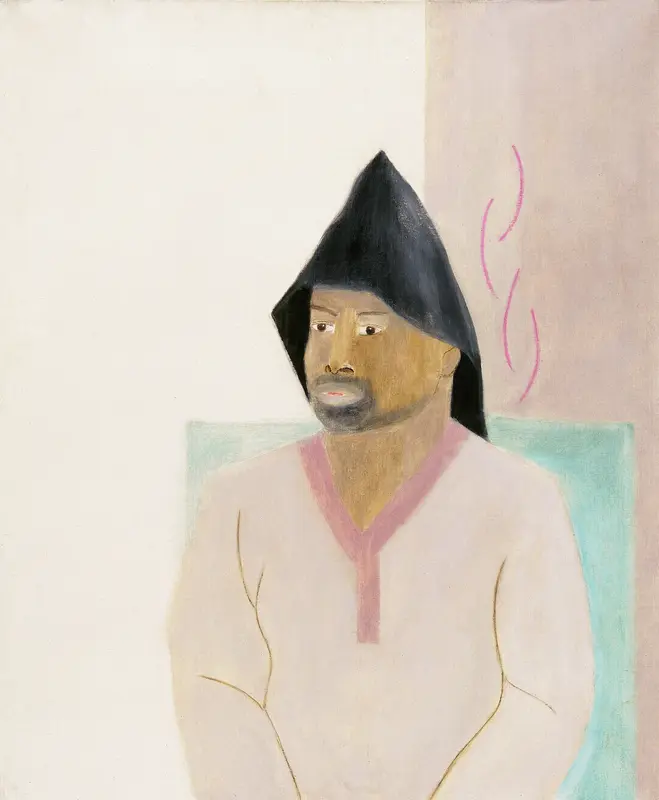
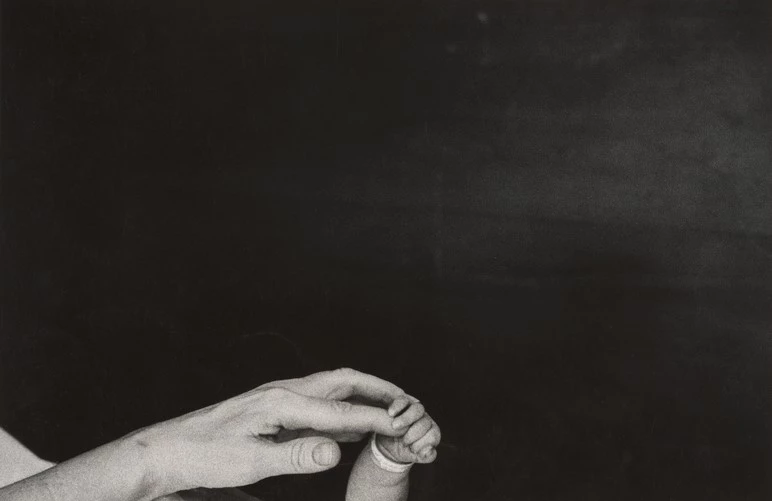
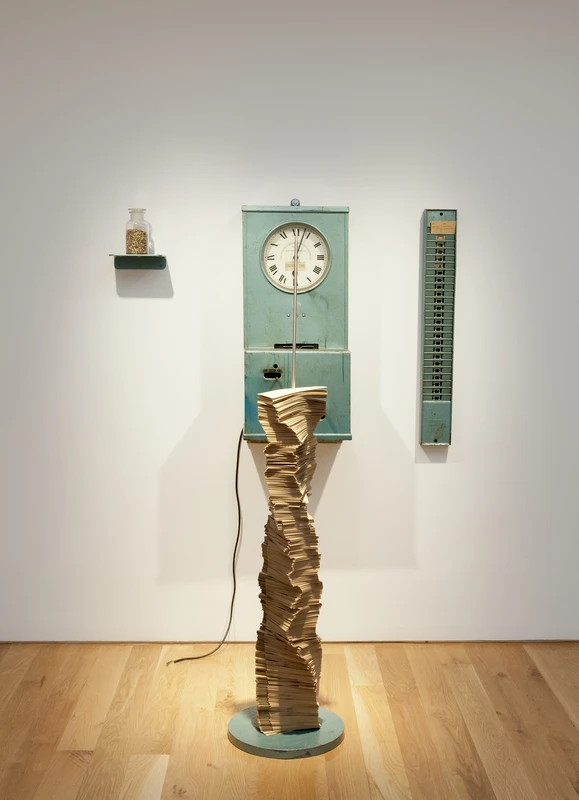
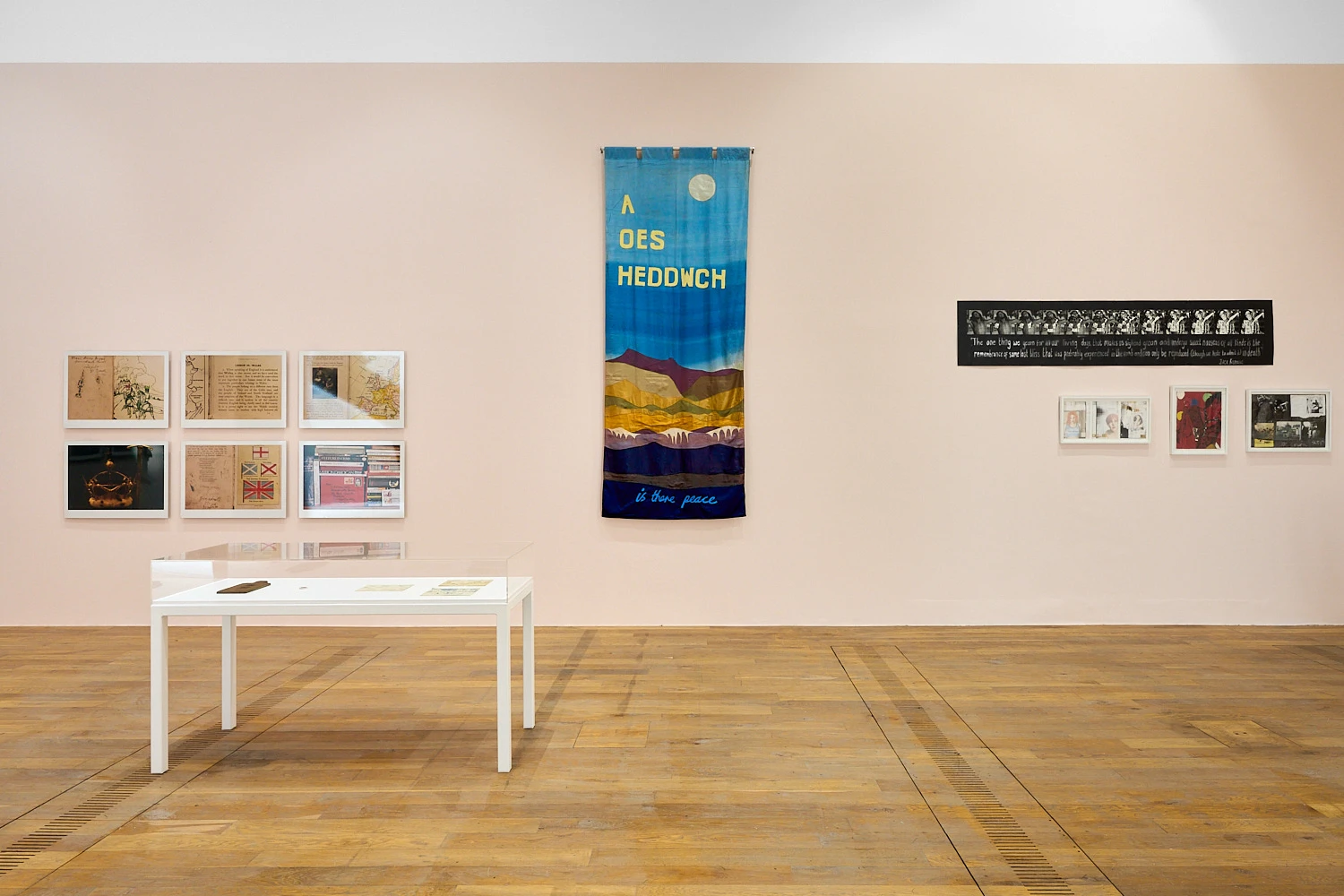
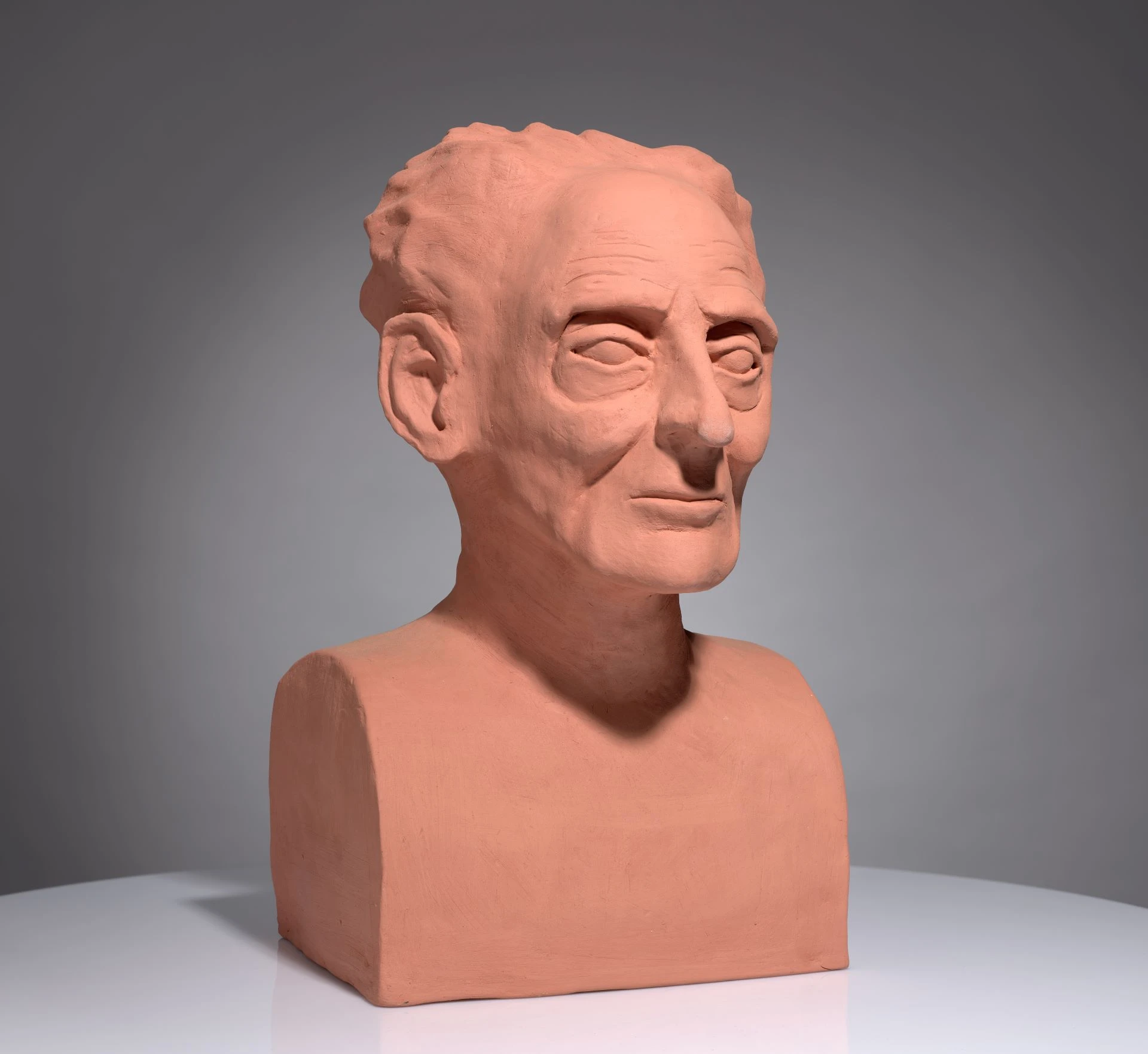
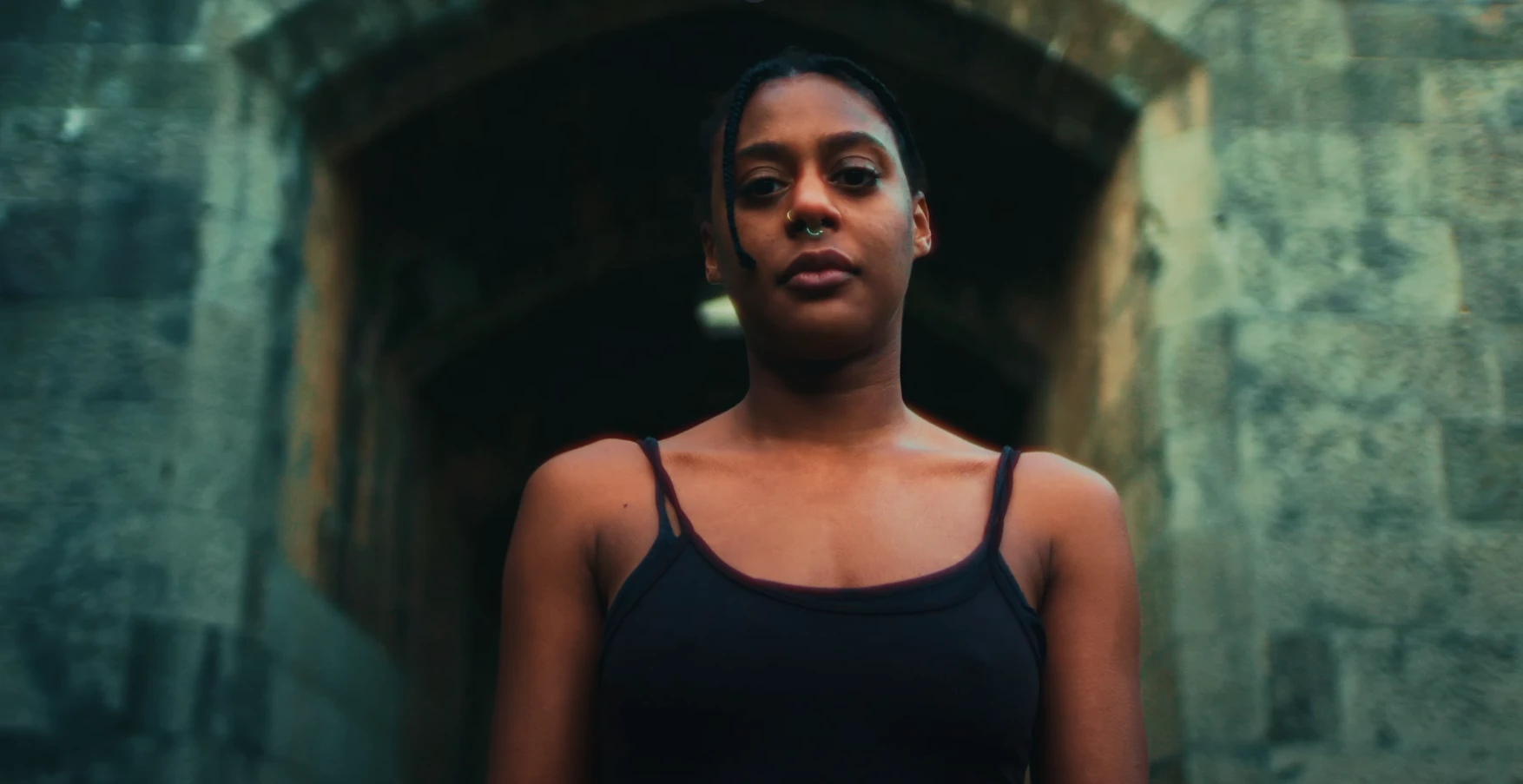
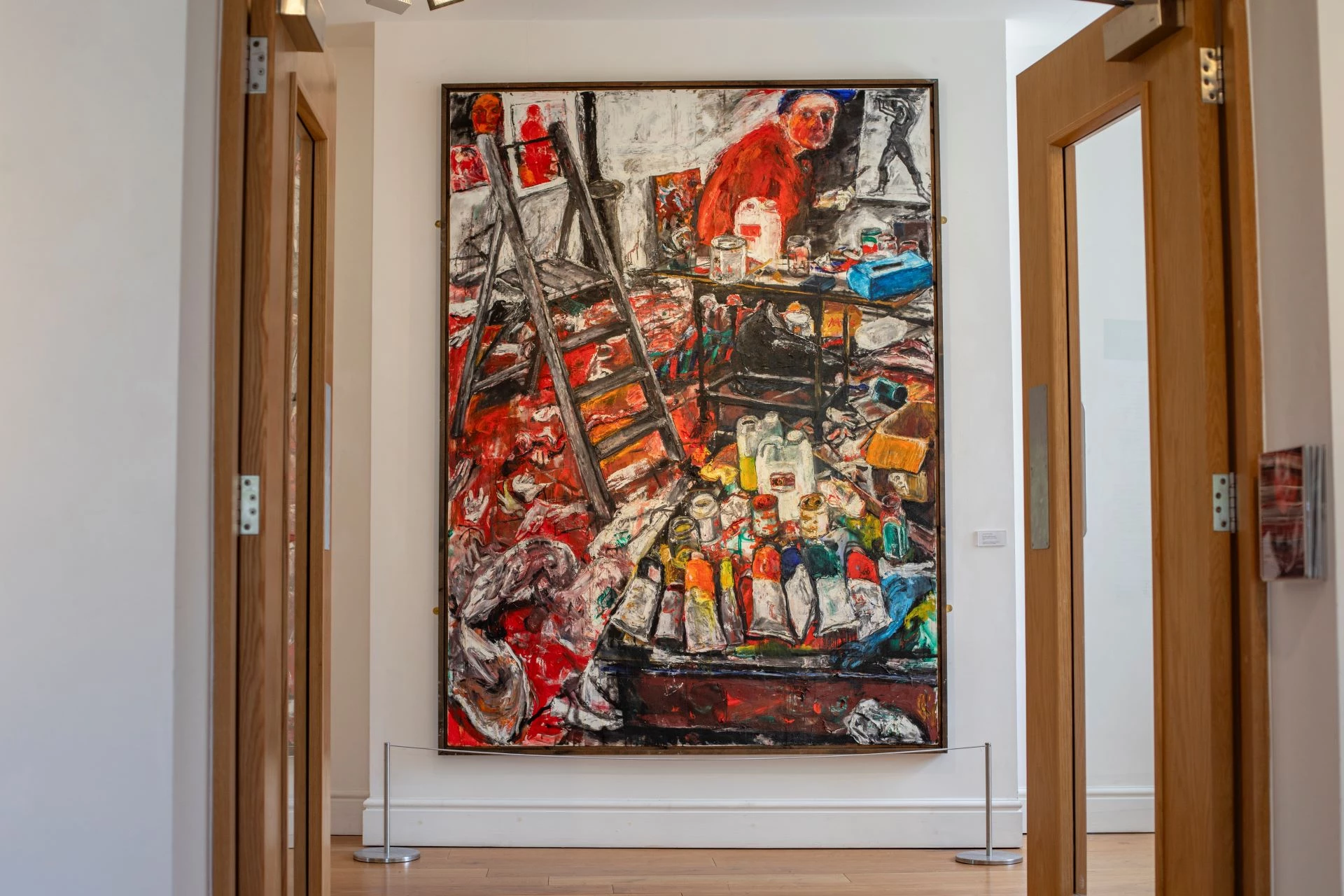
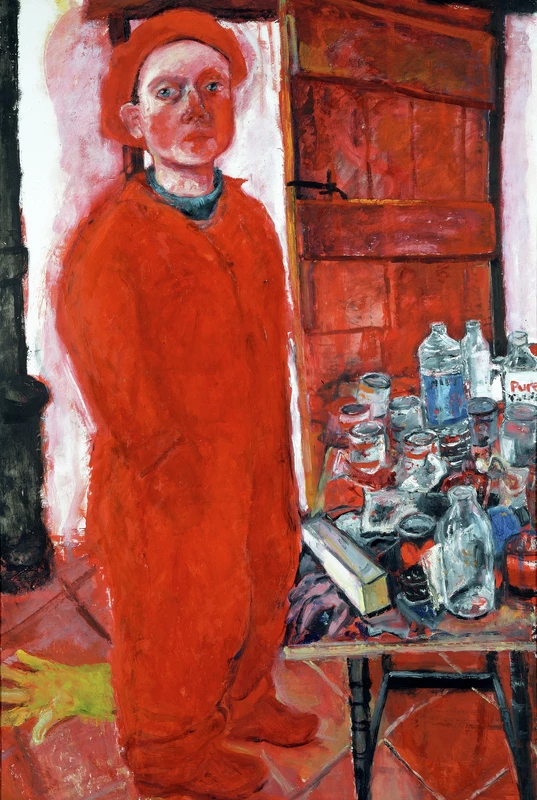
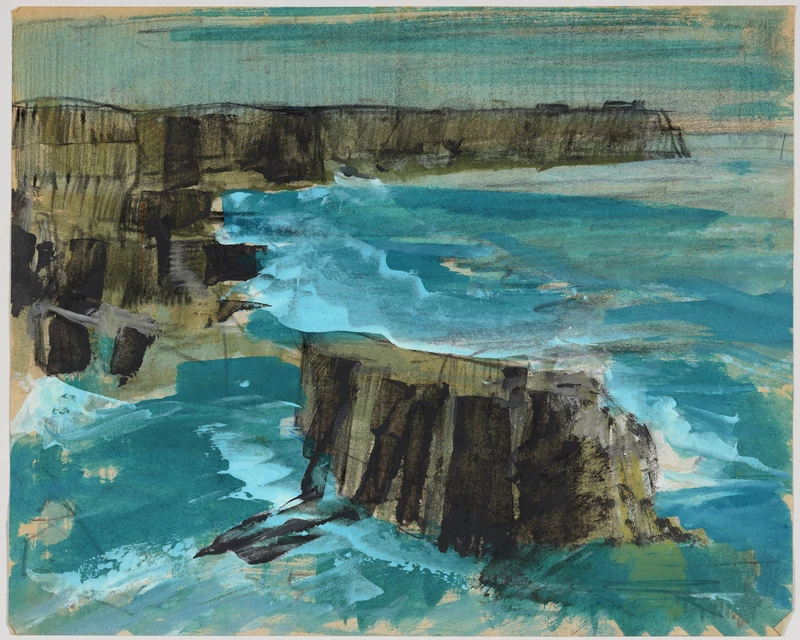
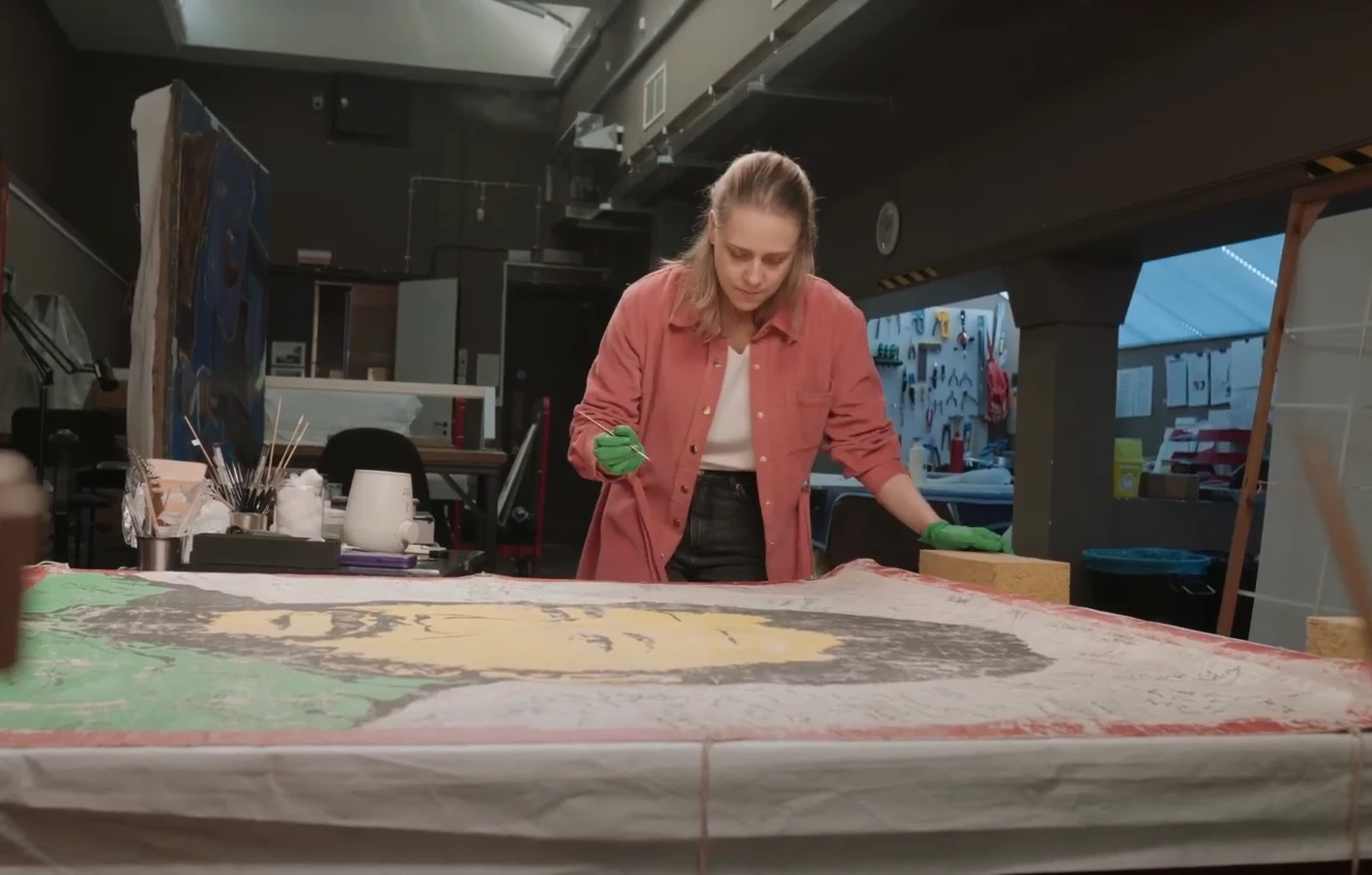
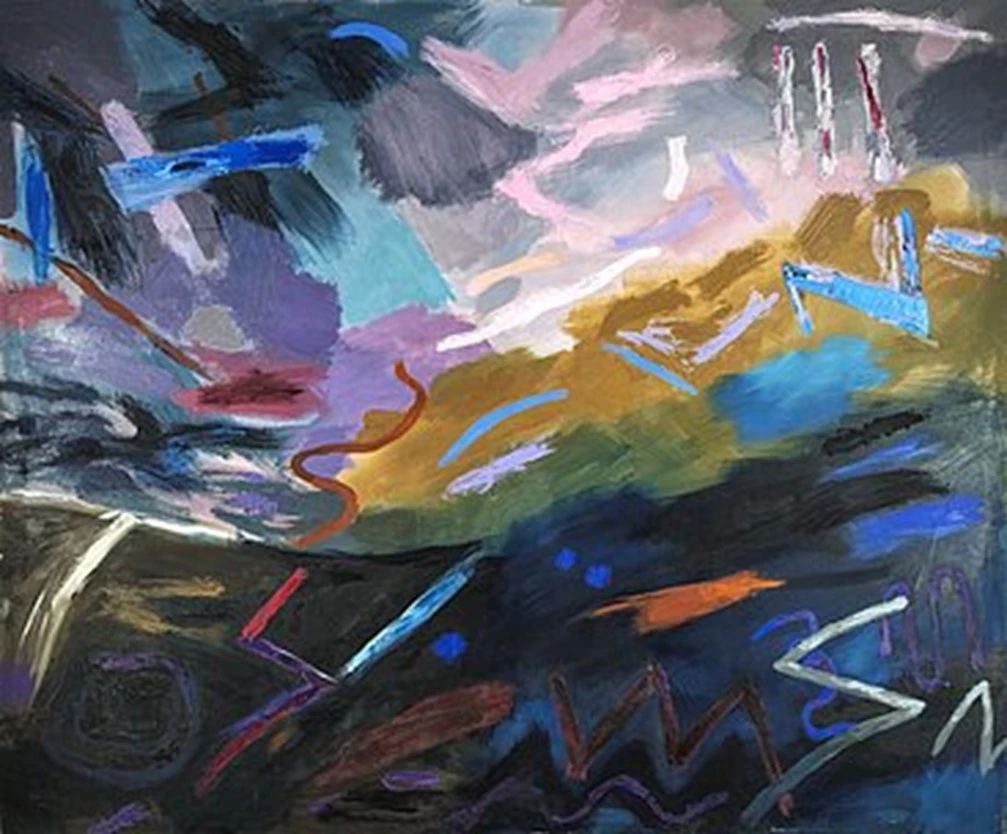
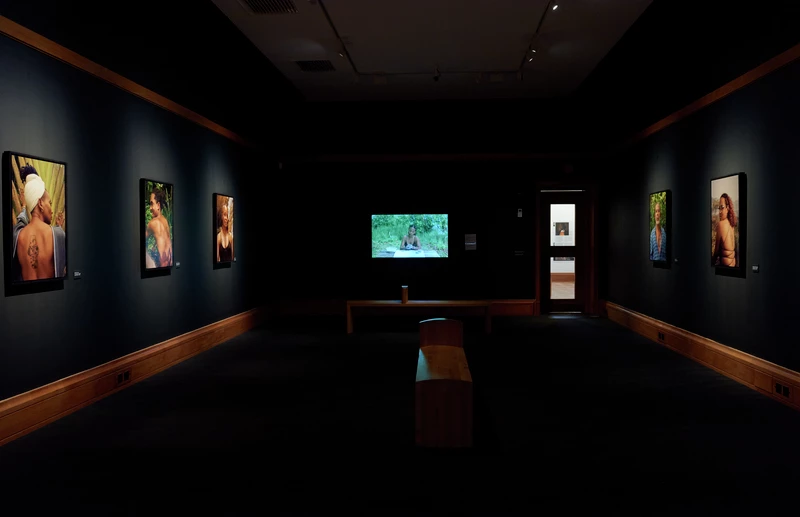
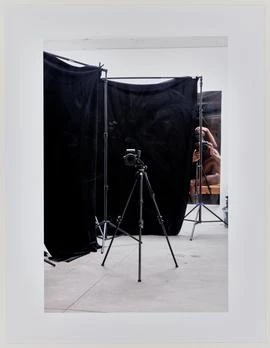
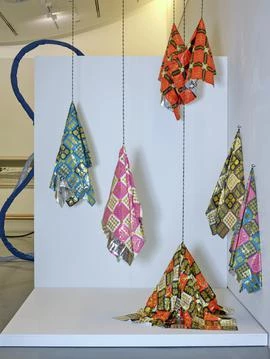
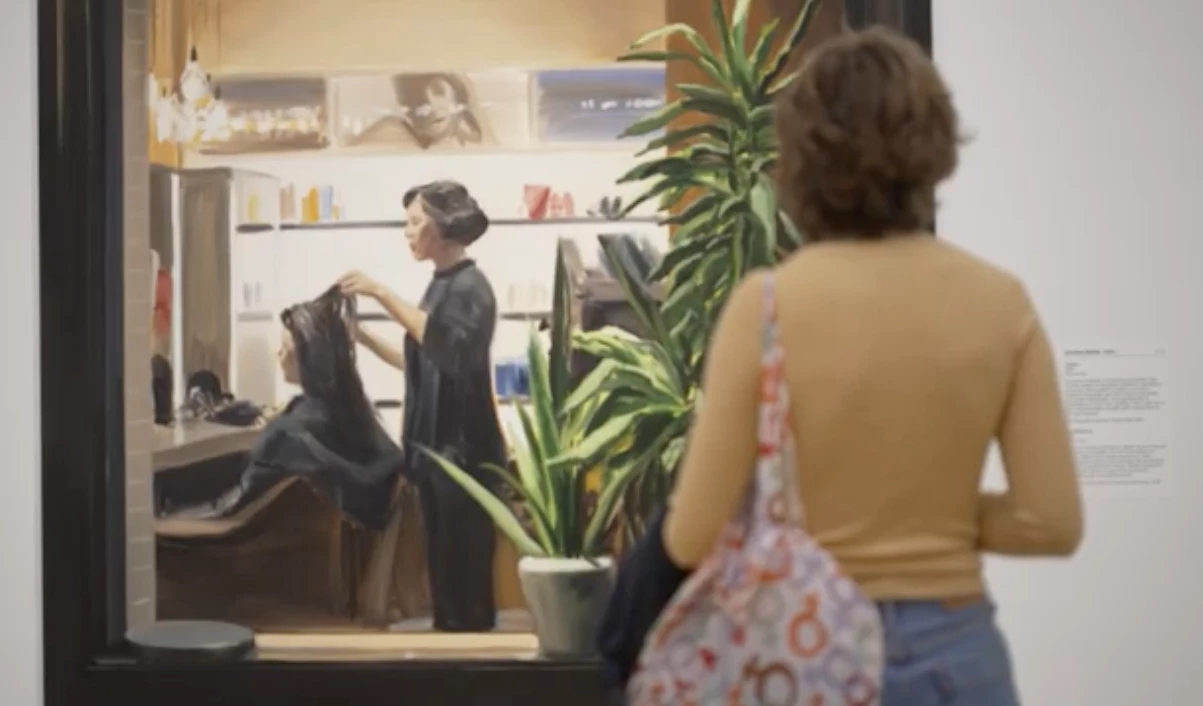
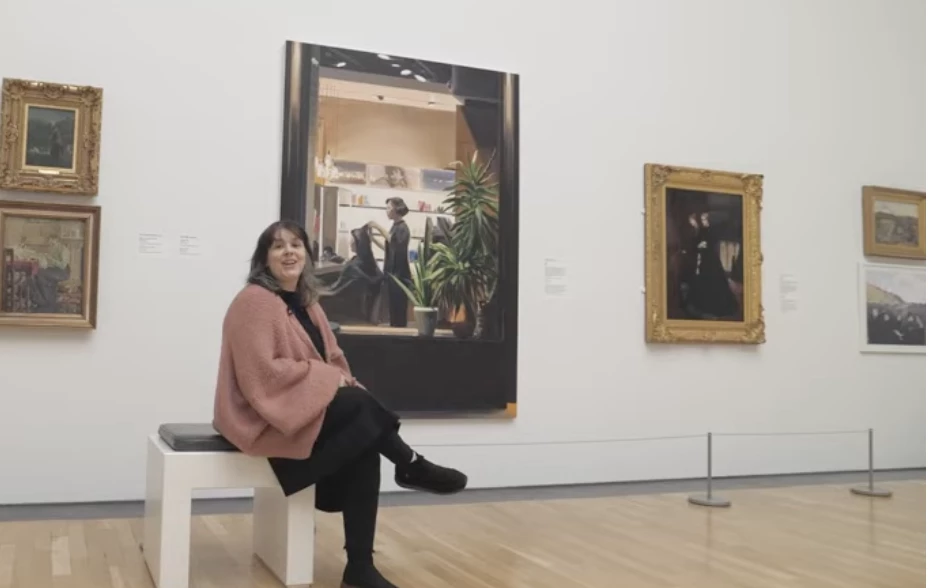
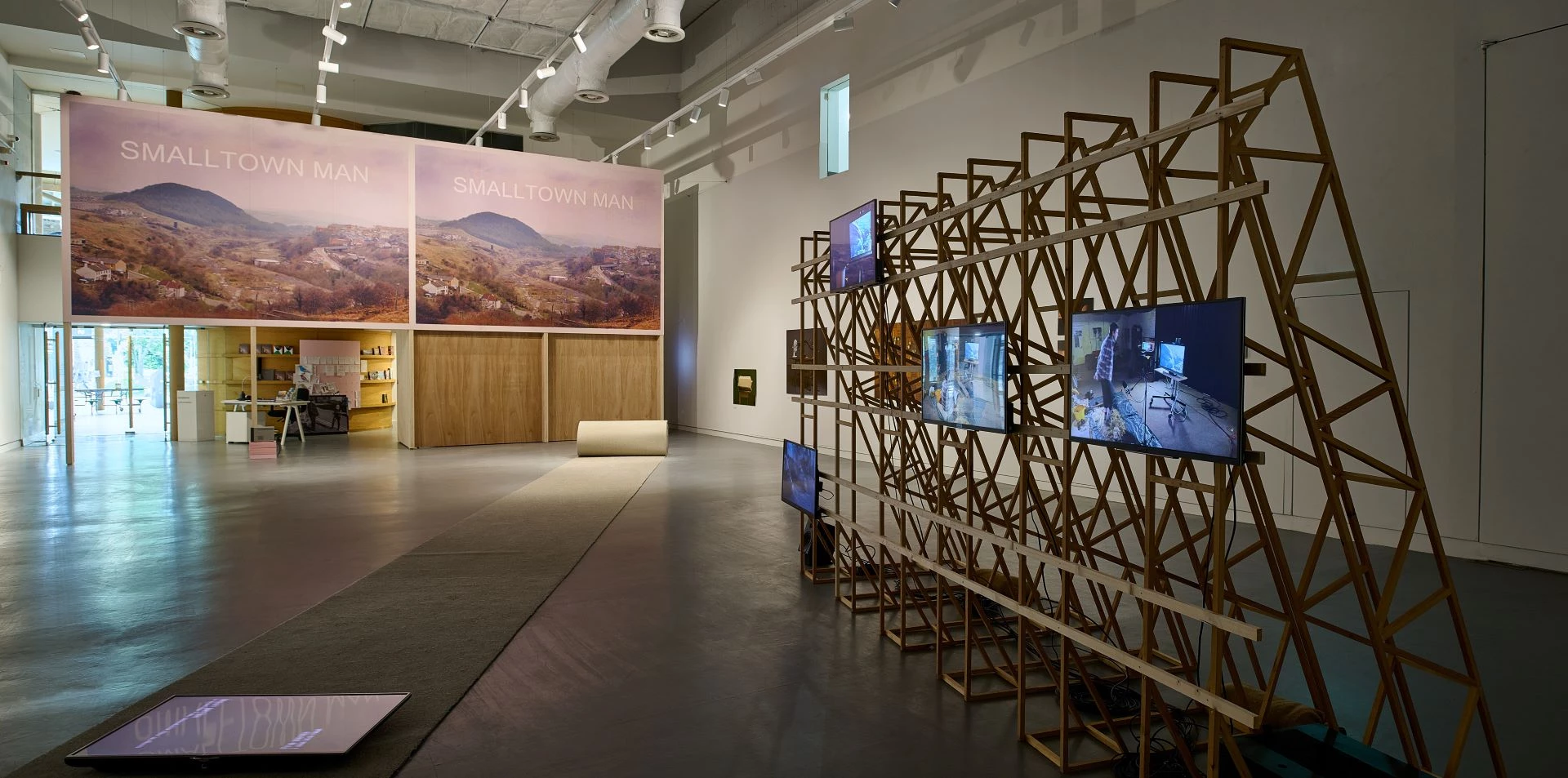
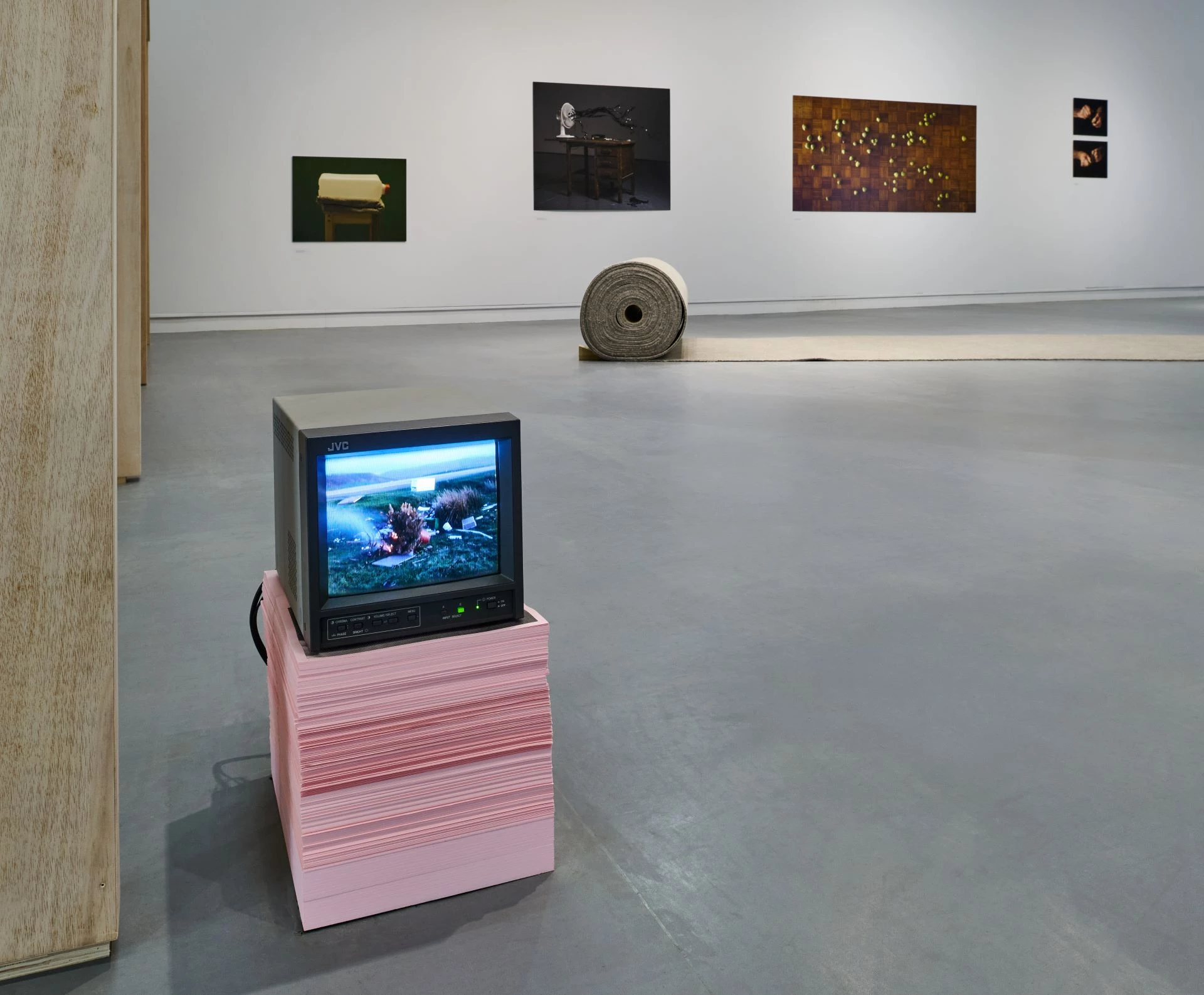
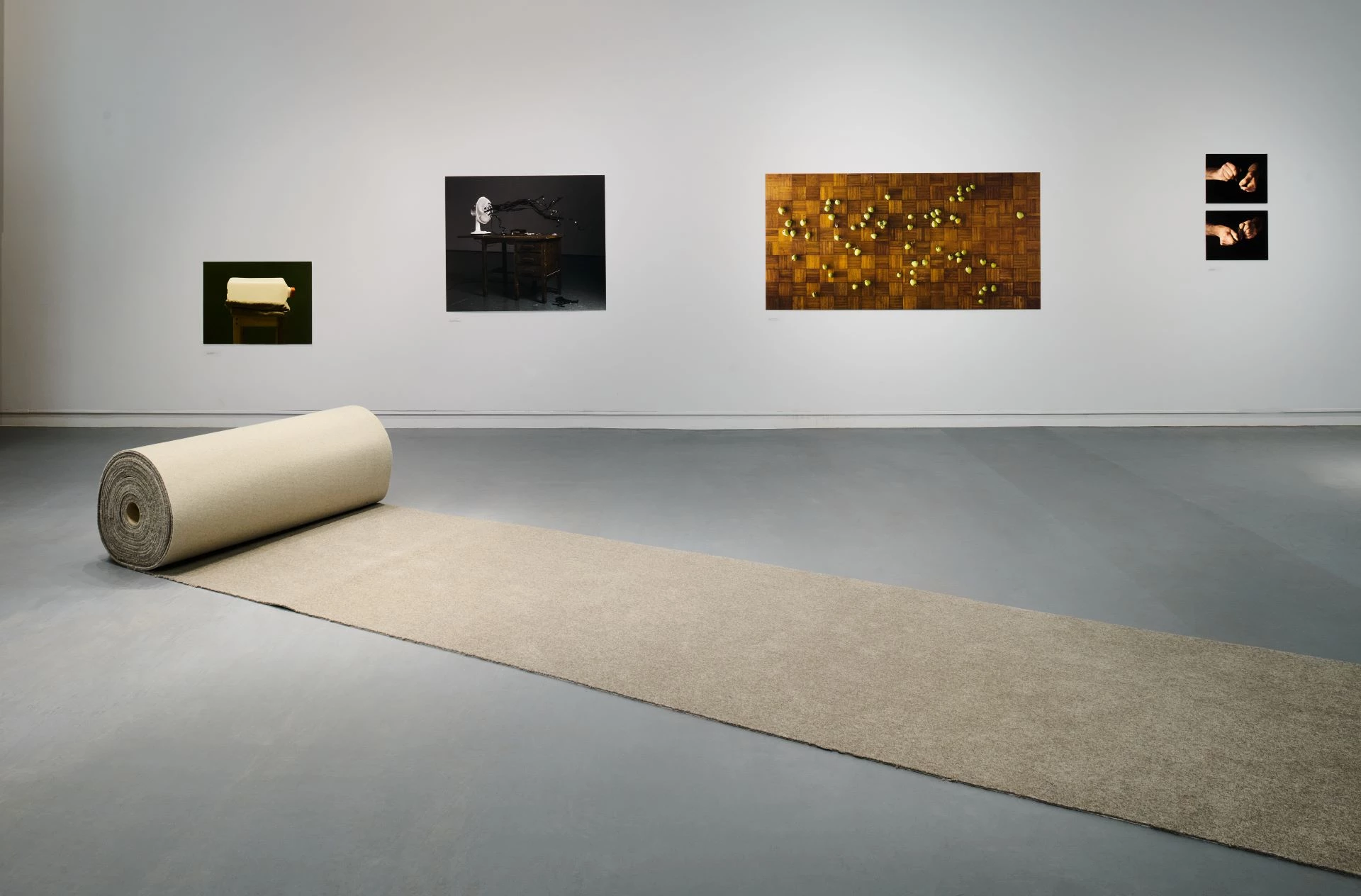
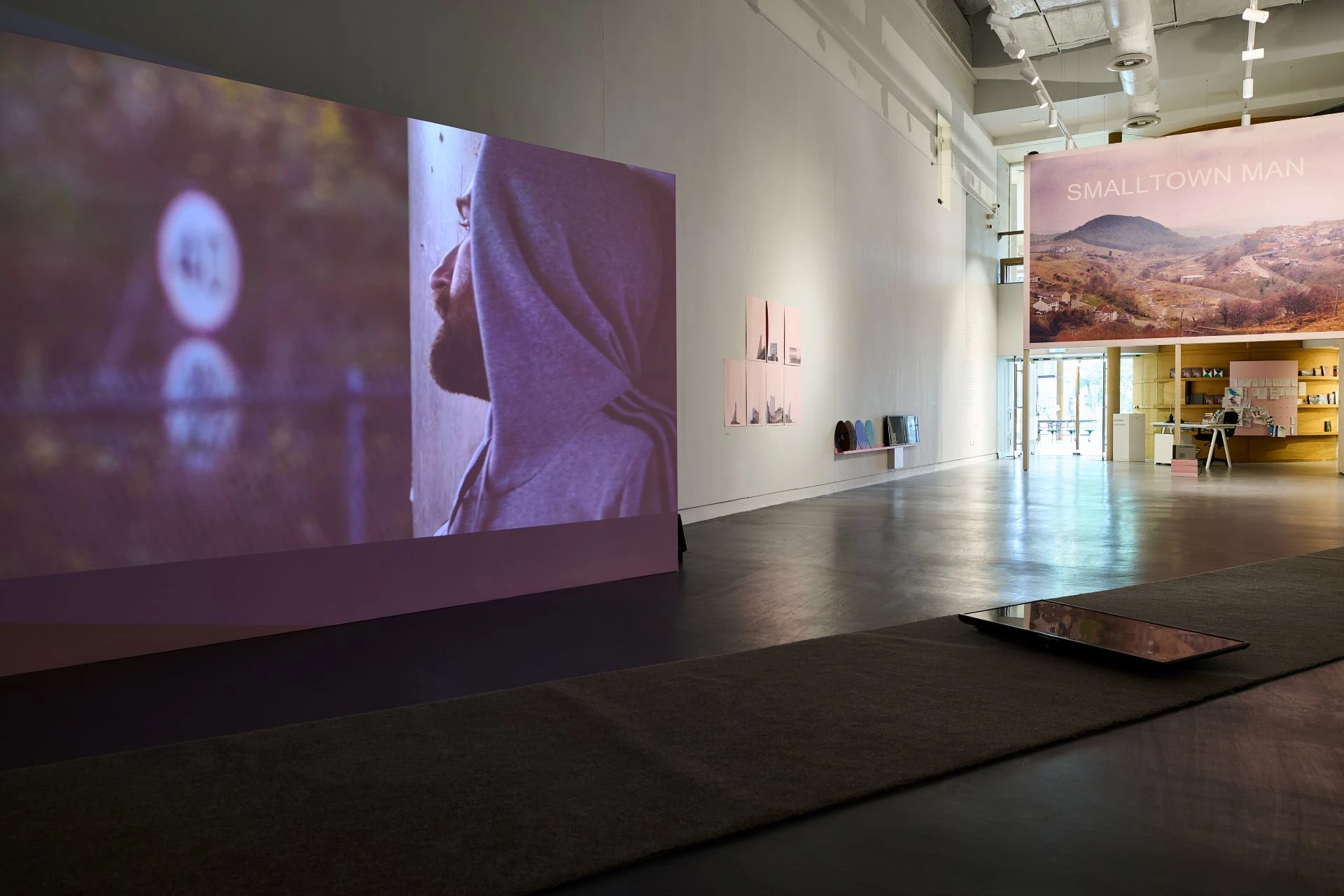
Discover the Art of Foley: A Creative Sound Resource Inspired by Anthony Shaplands recent exhibition at Aberystwyth Arts Centre, Liar Liar.
To celebrate Anthony Shapland’s recent exhibition Liar Liar, we’ve created a fun and educational resource all about Foley art—the hidden magic behind the sounds you hear in films and TV. Whether you’re a curious kid, a creative teen, or an adult looking for something new to explore, this resource is packed with playful activities, fascinating facts, and hands-on projects to help you become a sound storyteller.
What Is Foley?
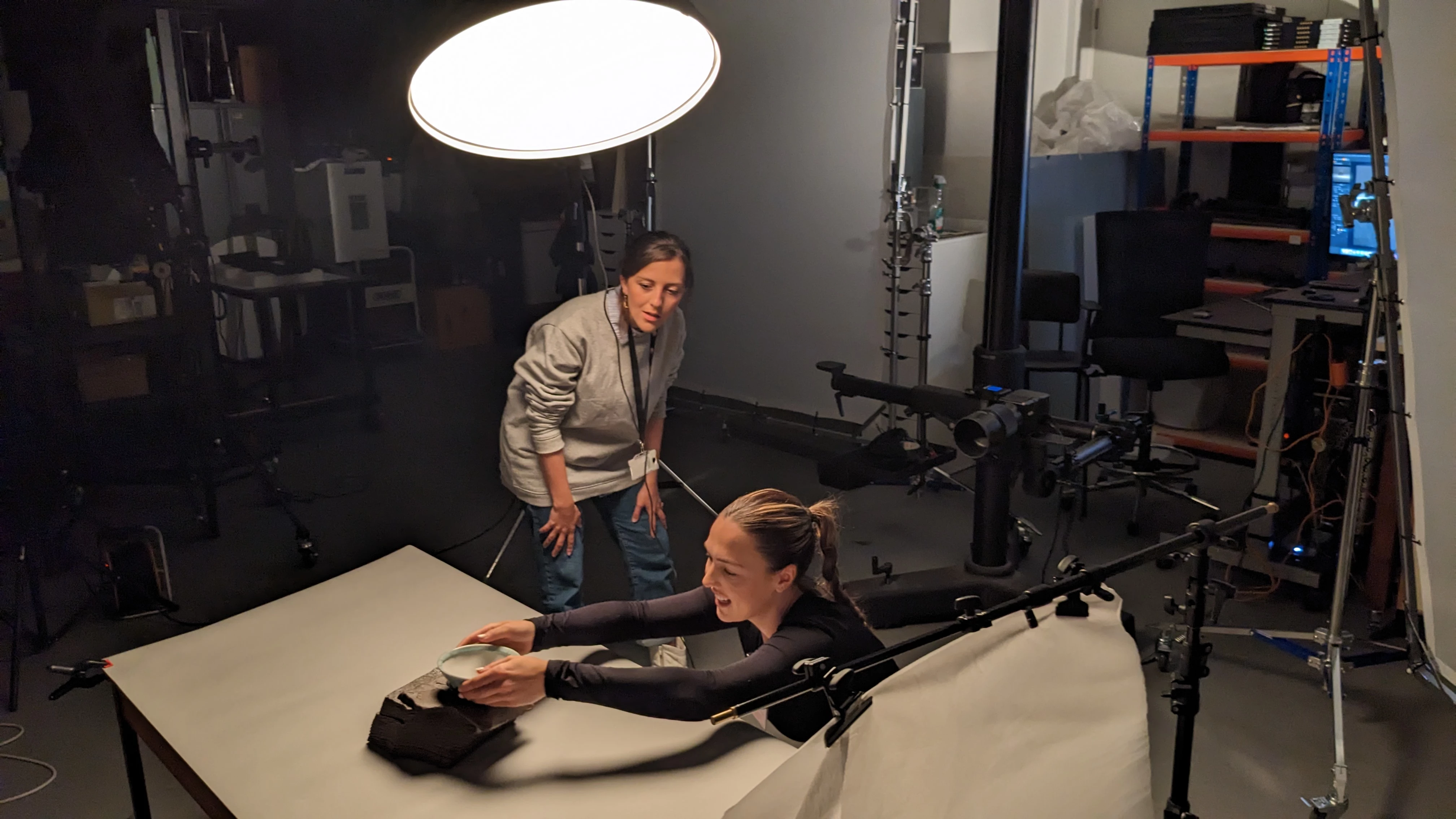
Have you ever heard footsteps crunching in snow or a door creaking in a spooky movie? Those sounds might not be real at all! Foley artists create them using everyday objects—like scrunched-up paper for fire, or coconuts for horses’ hooves. Foley is all about using your imagination and your ears. It’s named after Jack Foley, one of the first people to make sound effects for movies. Today, it’s still a vital part of how stories are told on screen.
What’s Liar Liar Got to Do With It?
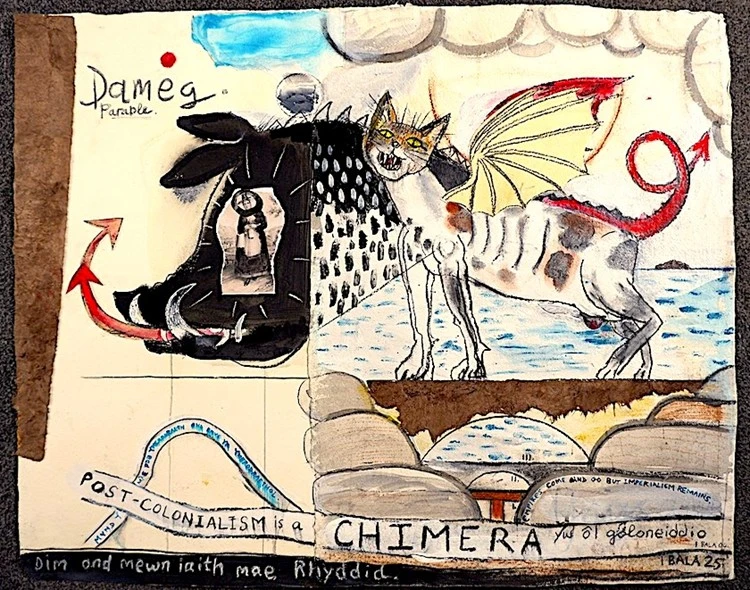
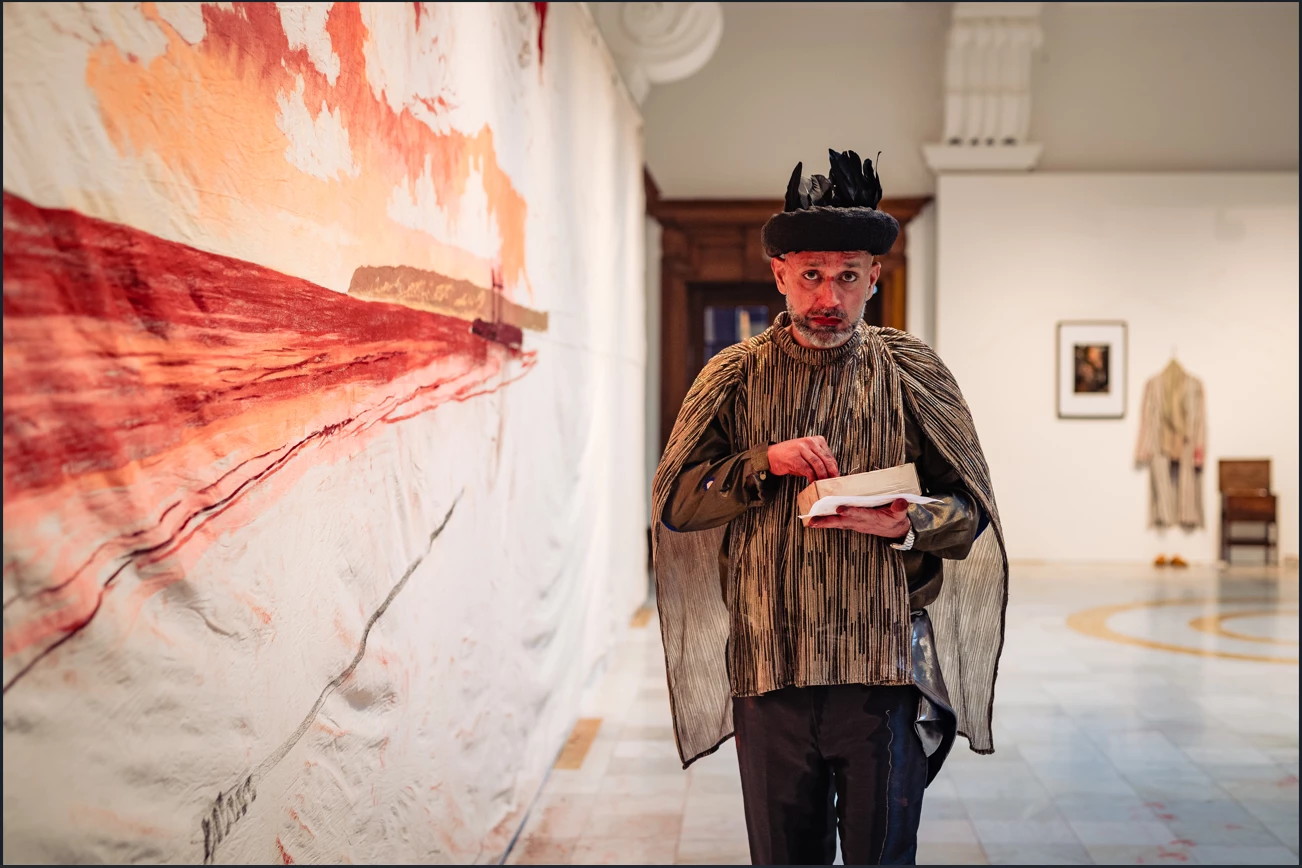
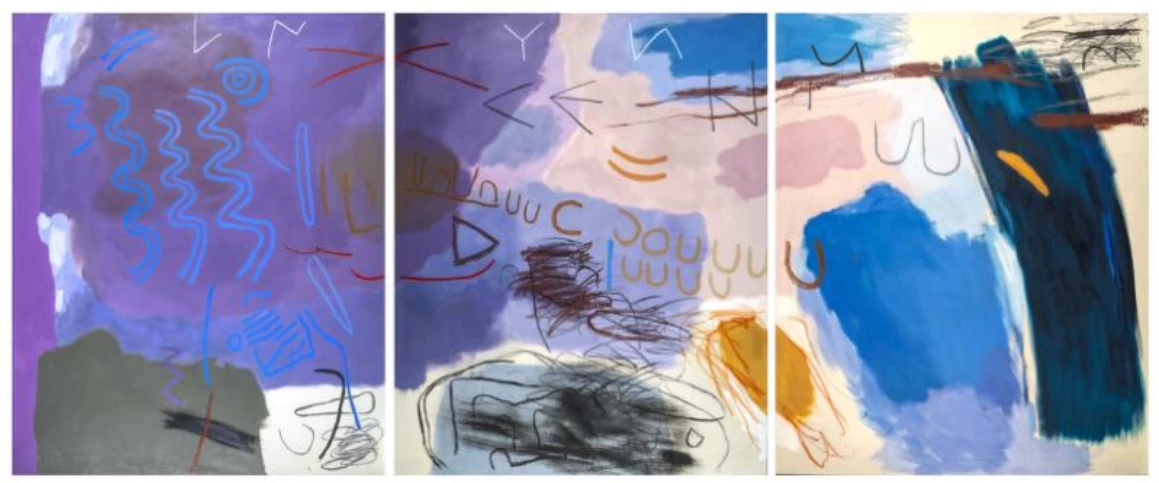
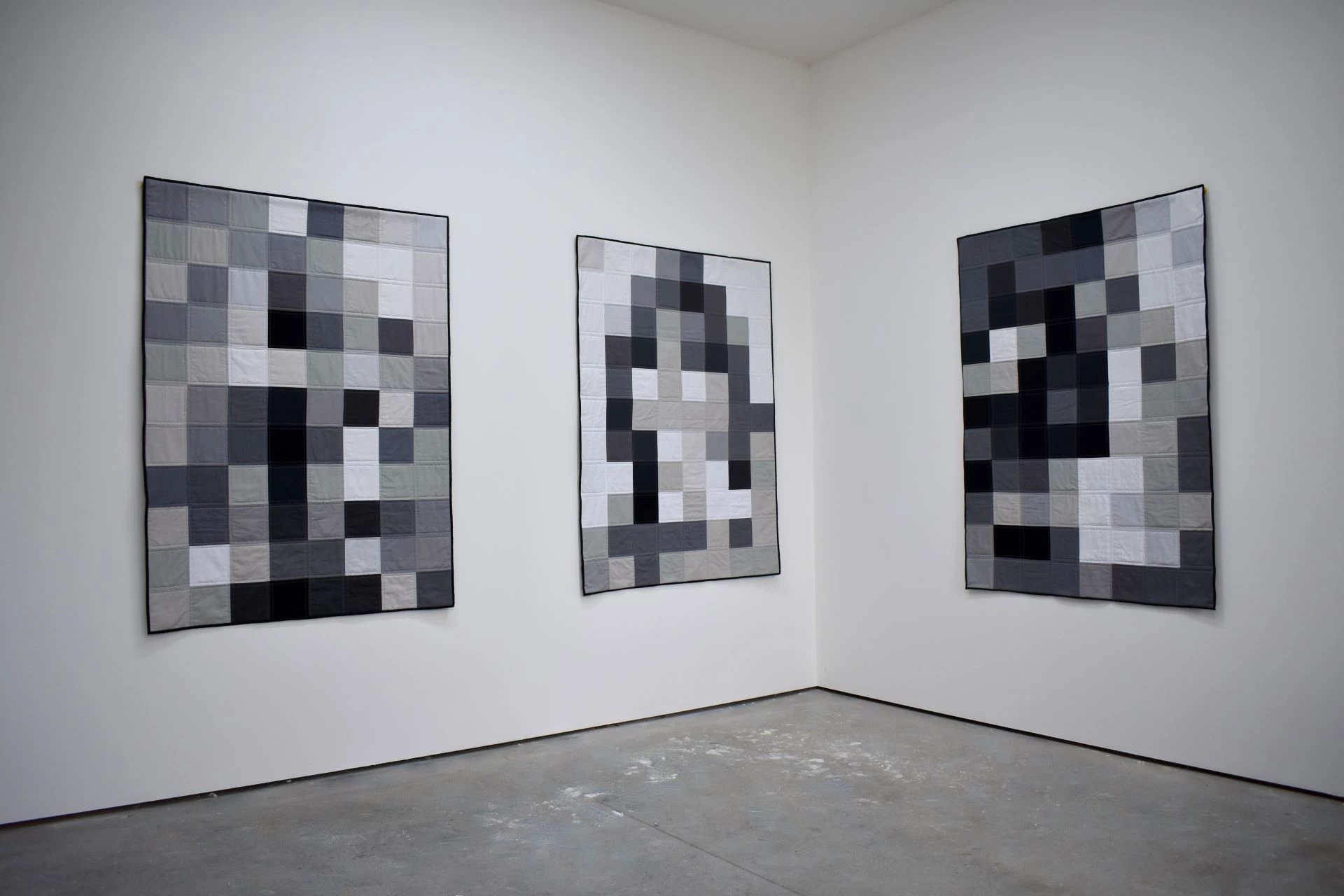
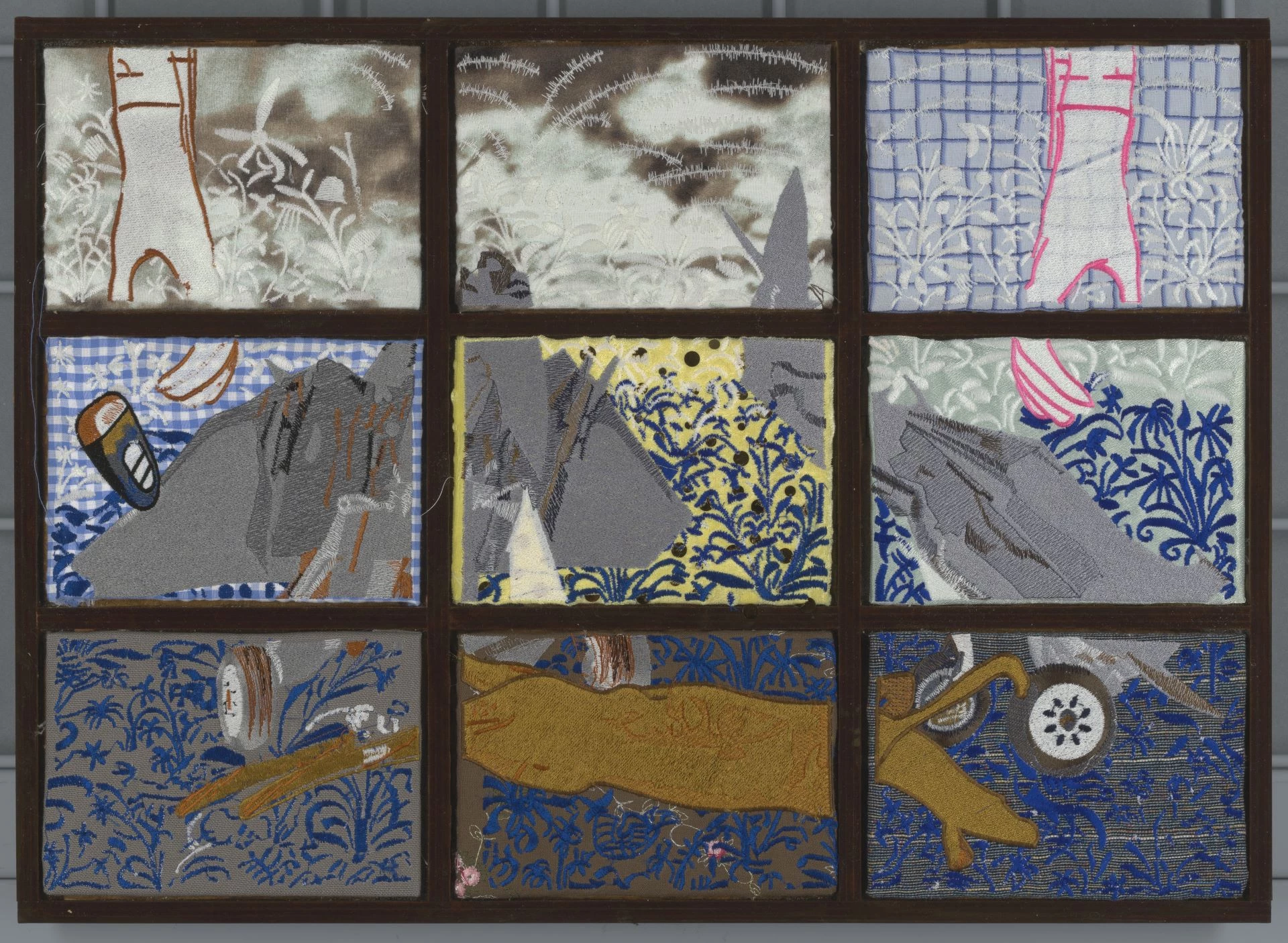
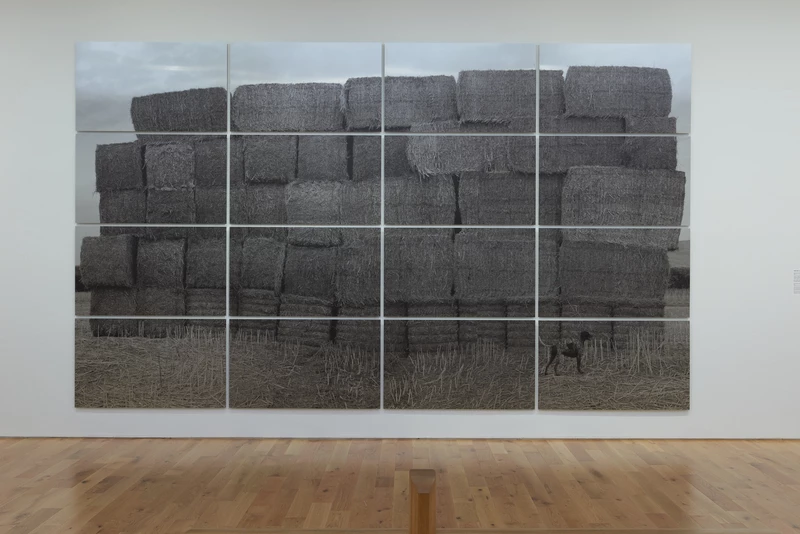
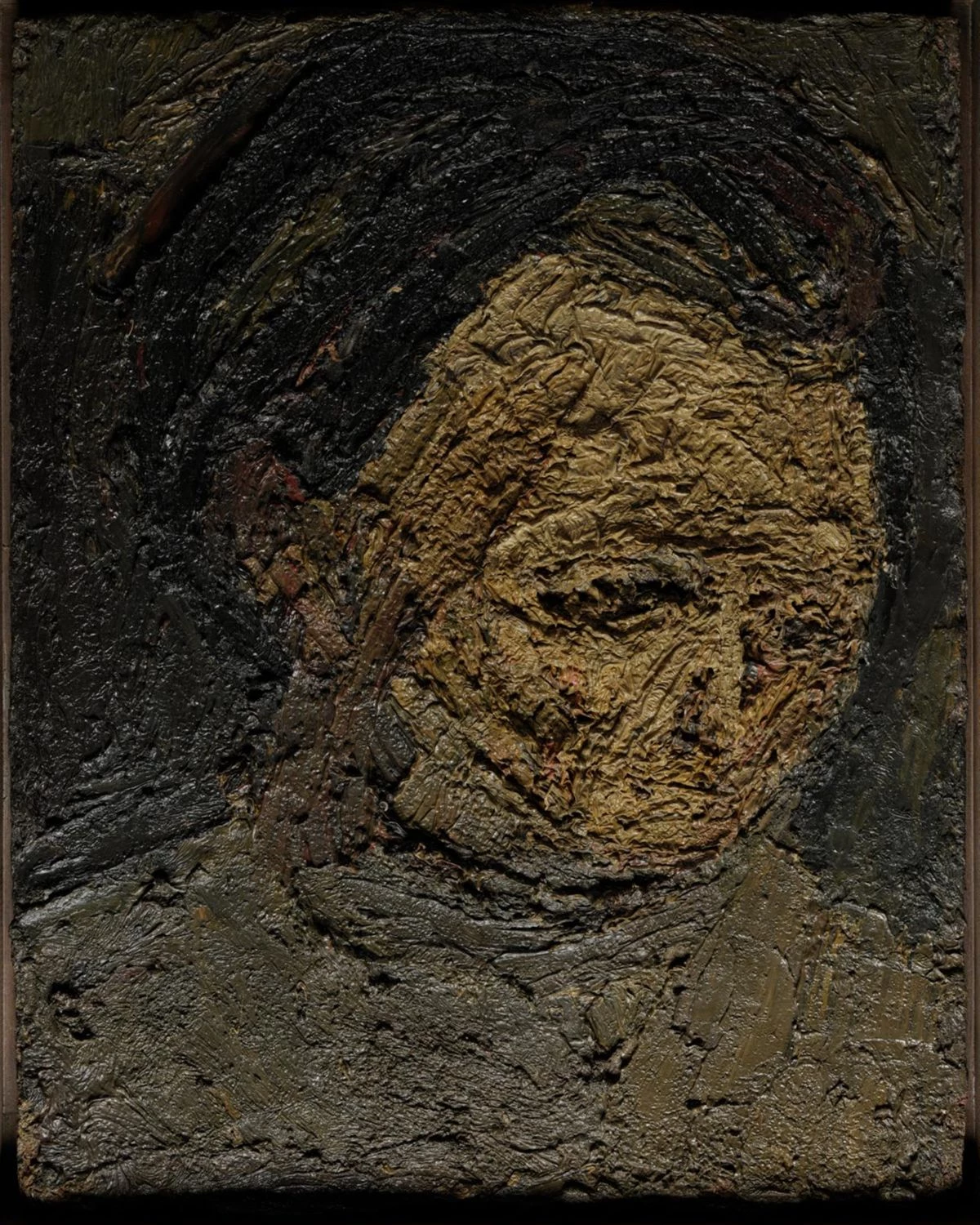
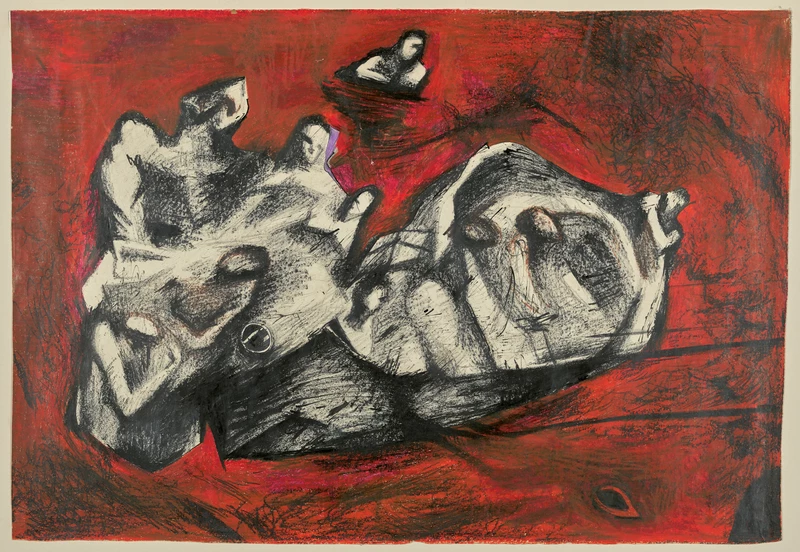
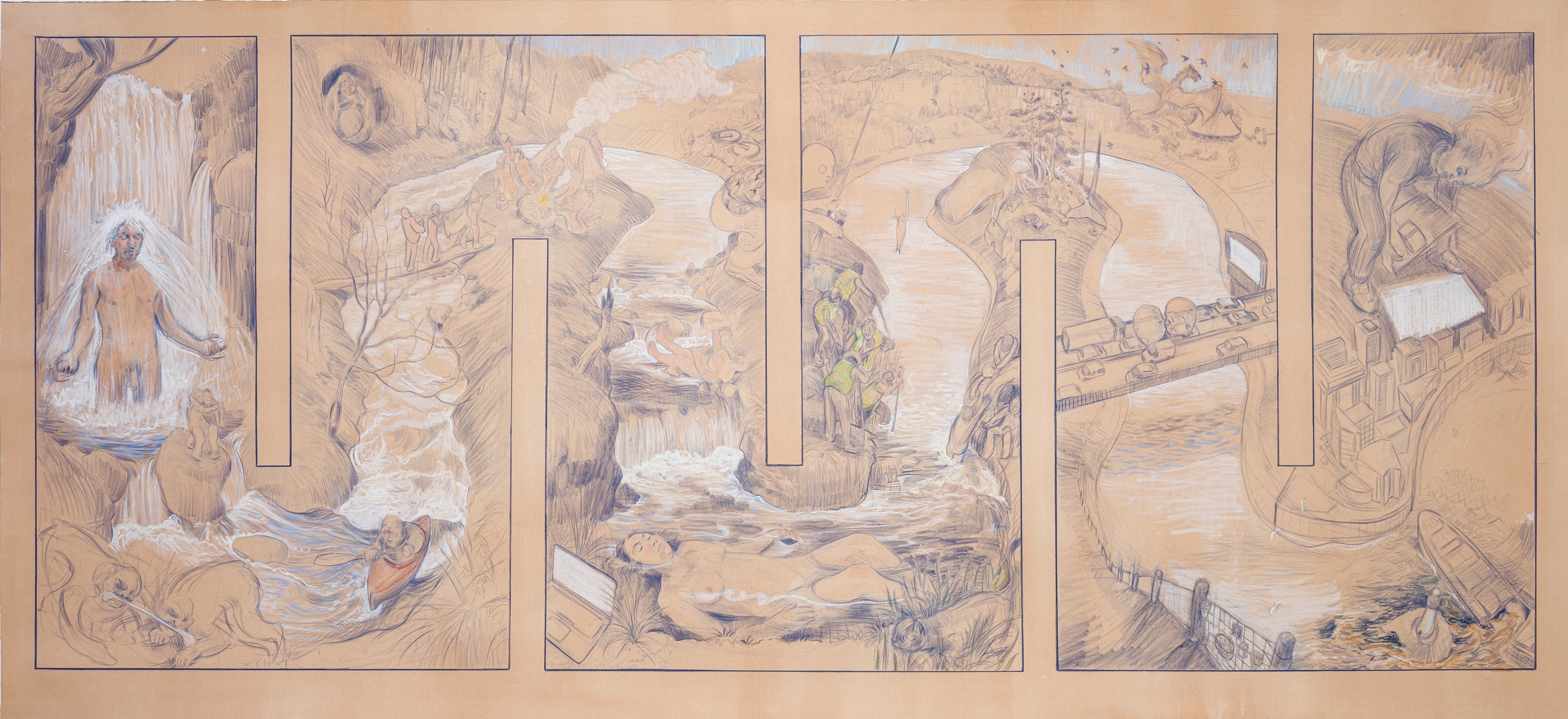
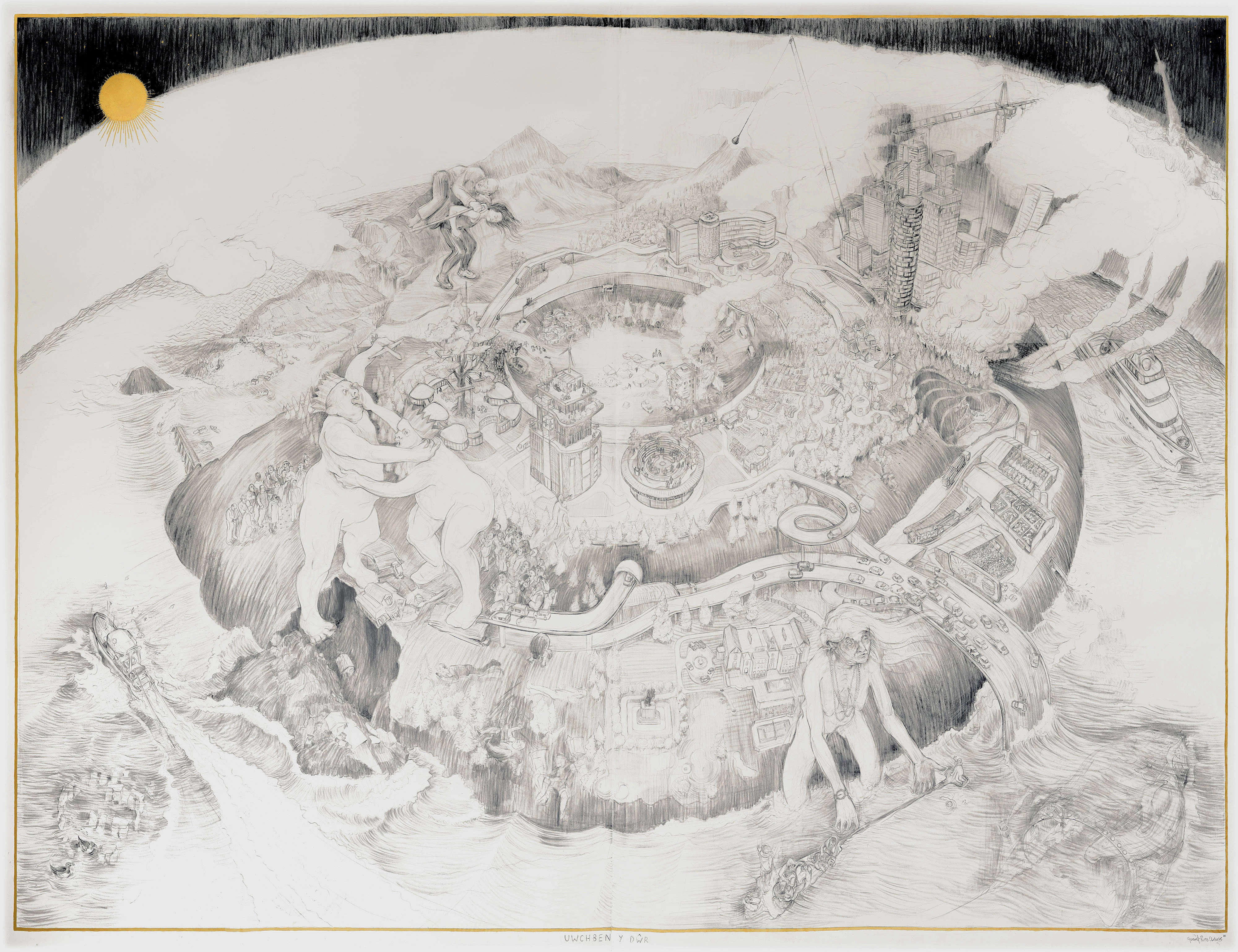
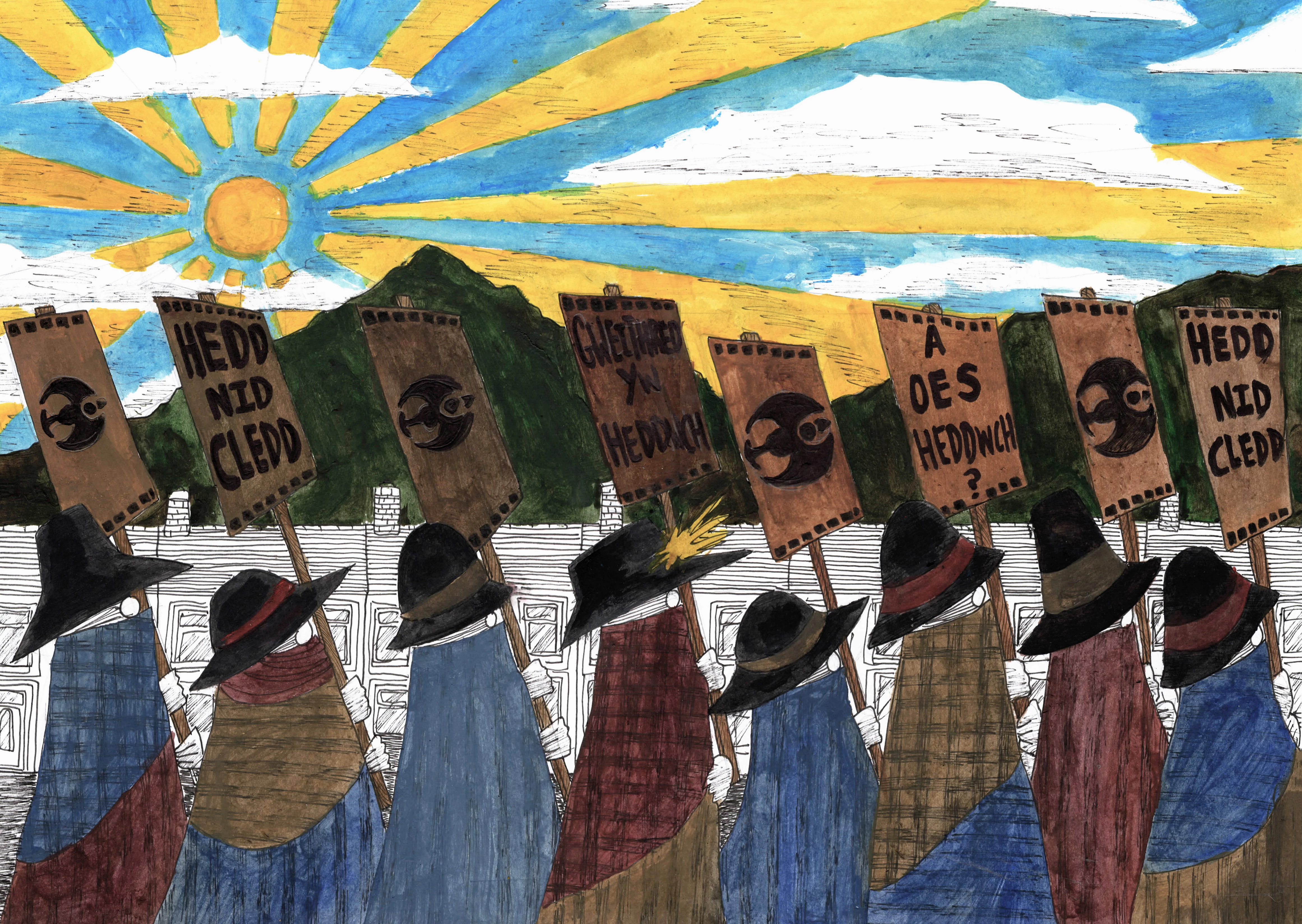
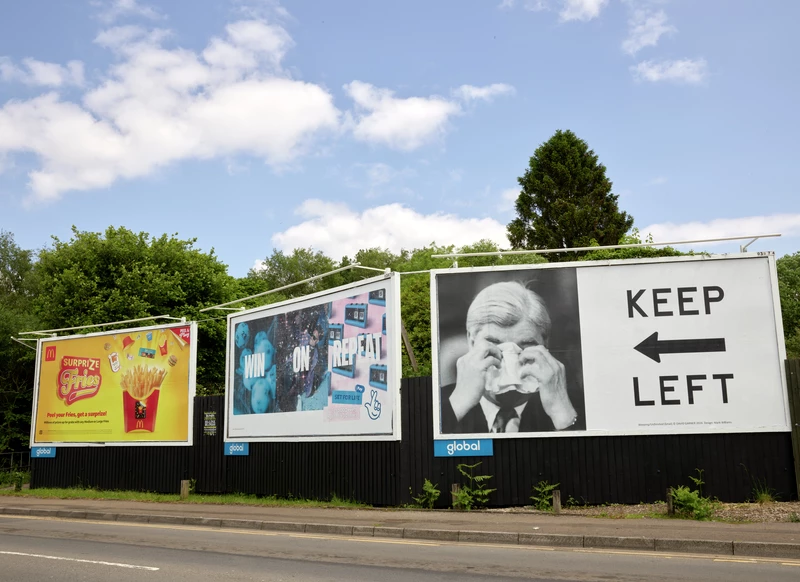
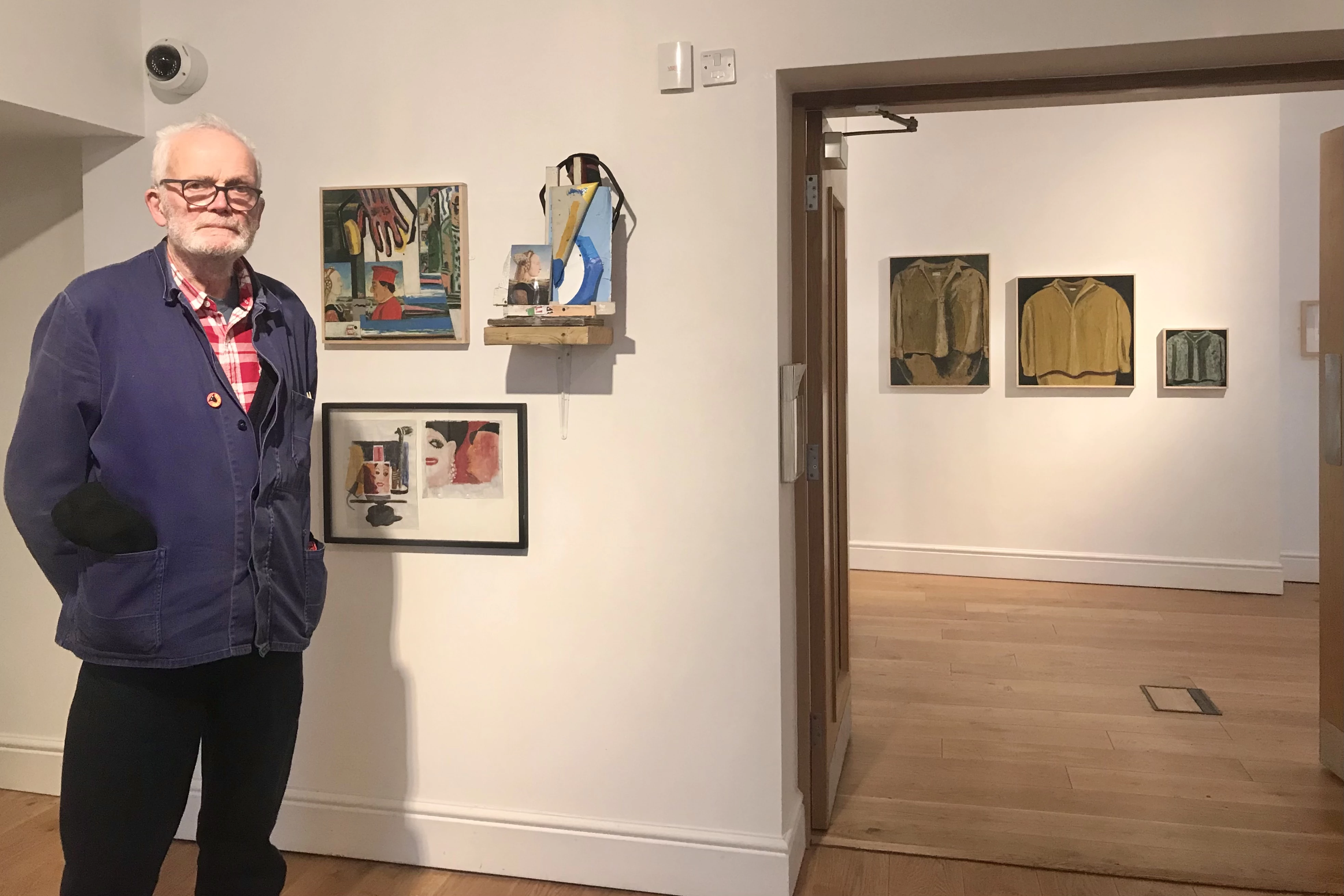
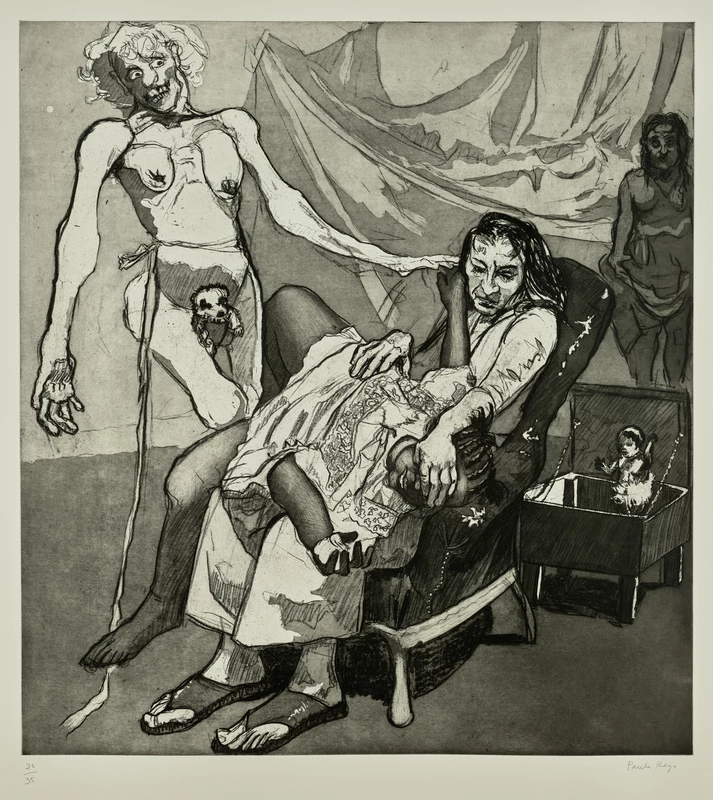
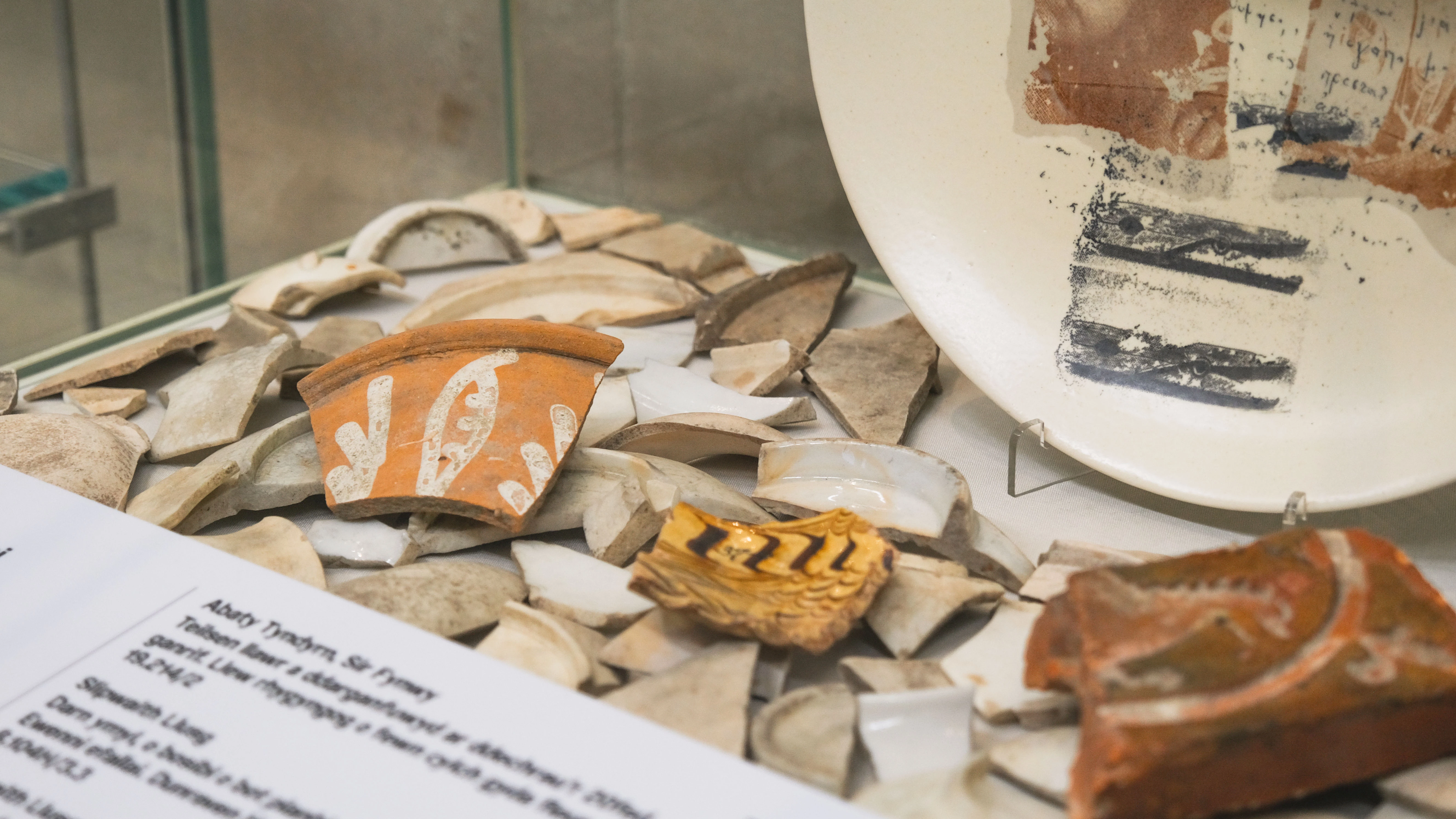
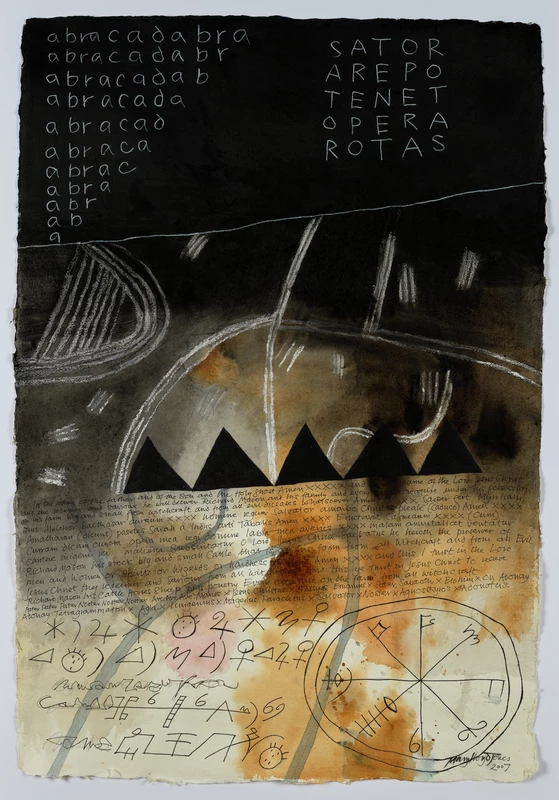
In Liar Liar, Anthony Shapland explores the blurry lines between truth and fiction. The exhibition makes us think about how stories are built—and how sound plays a big part in what we believe. Our Foley resource connects to these ideas. It invites you to play with sound and think about how it can change what a story feels like, or even what it means.
What You'll Find in the Resource
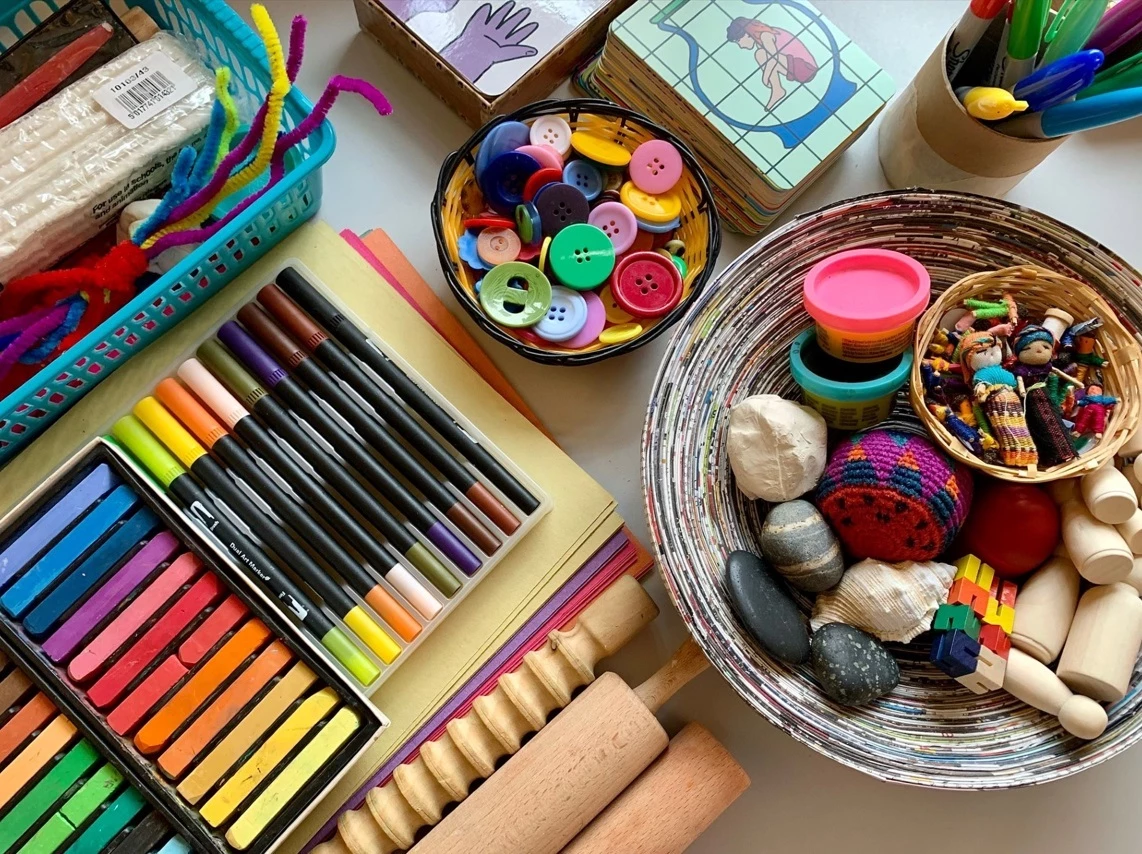
Make Your Own Sound Effects – Try out Foley tricks at home or in the classroom using simple objects.
Sound and Story Challenges – Match sounds to scenes, create your own soundscapes, or change the meaning of a moment just by changing the sound.
Think and Talk – Fun prompts to help you explore big questions: What makes something feel “real”? Can sound tell a lie? This resource is perfect for schools, youth groups, families, or anyone curious about how sound shapes stories.
Why Try Foley?
Foley is creative, messy, surprising—and anyone can do it! You don’t need expensive equipment. Just your ears, some imagination, and a few everyday objects. Plus, you’ll never listen to a film the same way again.

Follow these steps:
- Download i-Movie to your iPhone or iPad, or Cap Cut to your Android phone or tablet.
- Individually or with a friend or family member, pick a short film clip or create a simple scene to add sound effects to. Ideal scenes include action, movement, or environments (e.g., walking in the forest, opening a door). Using your chosen video editing app, edit your videos to create a sequence of images telling a story of your choice.
- Watch your scene and make a sound cue sheet by writing down every sound you need and when it occurs (e.g., "00:05 – footsteps on gravel").
- Set up a quiet recording space in a room with minimal sound or background noise.
- Get creative! Use objects around you to create your sounds, e.g., Footsteps = shoes on different surfaces, Door creaks = cabinet doors, Rain = crinkling plastic or rice on a tray. Record each sound multiple times for variety.
- Once you are happy with the sound effects, record your sounds using the ‘Add voiceover’ option on the video editing app. Alternatively, you can pre-record your sounds in voice memo or a sound recording app (Remember to save each sound effect with a clear name e.g., ‘footsteps’ or ‘wind’), and import them in to the video editing app to add to your timeline.
- Use your chosen app’s volume controls to balance sound levels. You can trim clips or shift them slightly to sync better.
- Consider adding ambient noise (e.g., city sounds, forest birds) for realism. Keep it subtle so it doesn’t overpower the main effects.
- Export your project and share with us! Send your videos to contact@celfarycyd.cymru